Local SEO for Driving Schools: How to Show Up in ‘Near Me’ Searches
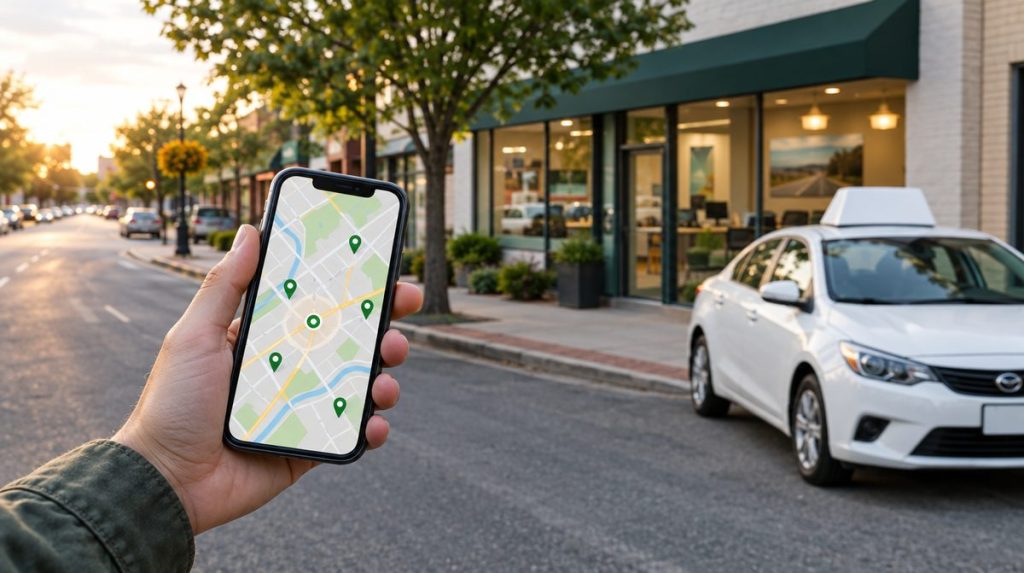
When someone searches “driving school near me” or “driving lessons in [town],” Google usually shows a map with a few local businesses above the regular results. Those spots get a large share of the calls. Local SEO is the work of earning a place there and in the regular results below it.
The good news for driving schools: you compete only with schools in your own area, and many of them haven’t done the basics. This guide covers what to do, in order of impact.
How Google Decides Which Local Businesses to Show
Google says local results are based mainly on three things:
- Relevance: how well your business profile matches what the person searched.
- Distance: how far your business is from the searcher or the location in the search.
- Prominence: how well known your business is, based on information such as reviews, links, and mentions across the web.
You can’t change distance, but you can improve relevance and prominence. Everything below does one or both.
Step 1: Set Up Your Google Business Profile Correctly
Your Google Business Profile (formerly Google My Business) is the single most important local SEO asset you have. It controls what appears in the map results and the business panel.
Get the basics right
- Claim and verify your profile through Google. Use an email address the business owns, not an instructor’s or a vendor’s personal account.
- Use your real business name exactly as it appears on your signs and license. Adding keywords or city names that aren’t part of your actual name goes against Google’s guidelines and can get your profile suspended.
- Choose “Driving school” as your primary category. Add secondary categories only if they truly apply.
- Set up your address and service area. If students come to an office or classroom, show that address. If you only pick students up and never serve them at your address, set up a service-area business and hide the address, as Google’s guidelines require.
- Add accurate hours, including office hours and when lessons are available.
- Link to your website, and use a booking link if your scheduling tool supports it.
Fill out everything else
- Services: list each one, such as private lessons, road test packages, classroom driver education, defensive driving, and lessons in other languages.
- Description: explain who you teach, where, and what makes you different, in plain language.
- Photos: real photos of your branded cars, instructors, classroom, and students who agreed to be photographed. Add new ones regularly.
- Posts and updates: share new lesson times, holiday hours, and seasonal reminders.
- Questions and answers: answer common questions like “Do you provide a car for the road test?”
Step 2: Earn Reviews Consistently
Reviews affect both your ranking and whether people call you once they see you. A steady stream of recent reviews matters more than a big batch from years ago.
- Ask every student. The best moment is right after they pass the road test or finish their package.
- Make it easy. Send a direct link to your Google review form by text or email. Many owners also keep a QR code card in each car.
- Don’t offer incentives. Google’s policy prohibits offering discounts or other rewards for reviews, discouraging negative reviews, or selectively asking only happy customers. The FTC’s 2024 rule on reviews also bans paying for reviews that express a particular sentiment and buying fake reviews.
- Reply to every review. Thank positive reviewers by name. Answer negative reviews calmly, without sharing private student details, and offer to resolve the issue offline.
- Ask students to mention specifics, such as the instructor’s name or the service they used. You can’t tell people what to say, but you can tell them what is helpful to other readers.
Step 3: Keep Your NAP Consistent Everywhere
NAP stands for name, address, and phone number. Google and other services compare your business information across the web. When it matches, it supports confidence that your business information is accurate. When it varies, that confidence drops, and students may call an old number.
- Pick one exact format for your name, address, and phone, and use it everywhere.
- Use a business phone number you will keep, not an instructor’s cell.
- When you move or change numbers, update every listing, not just Google.
- Search your school’s name and old phone numbers to find outdated listings to fix.
Step 4: List Your School on Relevant Directories
Directory listings (often called citations) do two jobs. They support your local rankings, and they put you in front of people who browse directories directly.
Where to be listed
- Major platforms: Google Business Profile, Apple Business Connect (for Apple Maps), Bing Places, Yelp, and Facebook.
- Industry directories: sites built for driving schools, such as Driving School Directory, where students and parents compare local schools.
- Local sources: your chamber of commerce, local business associations, and community sites.
Quality and accuracy matter more than quantity. A few complete, accurate listings on sites people actually use beat hundreds of low-quality directory submissions.
A note on Google+
Older SEO advice told businesses to build a Google+ page for local rankings. Google shut down Google+ for consumers in April 2019, so ignore any guide that still recommends it. Google Business Profile is the tool that matters now.
Step 5: Pick the Right Keywords
Keyword research for a driving school is simpler than it sounds. You are matching the words students use to the pages on your site.
Common keyword groups
- Core searches: “driving school [town],” “driving lessons near me,” “driving instructor [town].”
- Service searches: “road test car rental,” “behind-the-wheel lessons,” “defensive driving course,” “driver’s ed classes.”
- Audience searches: “driving lessons for adults,” “driving lessons for nervous drivers,” “teen driving school.”
- Language searches: lessons in Spanish, Chinese, Russian, or other languages you offer.
- Question searches: “what to bring to road test [state],” “how many lessons do I need.”
Longer, more specific phrases (long-tail keywords) usually have fewer searches but are easier to rank for and bring in people closer to booking. Google Search Console, Google’s autocomplete suggestions, and the “People also ask” box are free ways to find them.
Step 6: Build Pages That Match Searches
Service pages
Give each main service its own page: private lessons, road test packages, classroom driver education, and so on. A single page that lists everything is harder to rank for any one search.
Location pages
If you serve several towns or have more than one office, create a page for each area you actually serve. Make each page genuinely useful:
- Which neighborhoods you pick up from.
- The nearest road test sites and what students should know about them.
- Reviews from students in that area.
- Local prices or schedules, if they differ.
Avoid copying the same text and swapping the town name. Thin, near-duplicate pages rarely rank and can make your whole site look low quality.
Step 7: Cover the On-Page and Technical Basics
On-page basics
- Title tags: put the main service and location in each page title, such as “Driving Lessons in Yonkers, NY | [School Name].”
- Meta descriptions: write a short, accurate summary that gives searchers a reason to click.
- Headings: use one clear main heading per page and logical subheadings.
- Your NAP on every page, usually in the footer, matching your Google profile.
- Internal links between related pages, such as from your road test page to your lesson packages.
- Image alt text that describes the photo for people using screen readers.
Technical basics
- Mobile-friendly design. Google completed its move to mobile-first indexing in 2023, which means it primarily uses the mobile version of your site. If your site is hard to use on a phone, fix that first.
- Speed. Check your site with PageSpeed Insights. Google’s Core Web Vitals measure loading (LCP), responsiveness (INP, which replaced FID in March 2024), and visual stability (CLS).
- HTTPS on every page.
- An XML sitemap submitted in Google Search Console. Most platforms, including WordPress with a common SEO plugin, generate one automatically.
- LocalBusiness structured data (schema markup) with your name, address, phone, and hours, to help search engines read your details.
Any modern website platform can rank well. WordPress, Squarespace, Wix, and others all handle the basics. What matters more is that you control the site and can edit titles, pages, and content yourself.
Step 8: Earn Local Links and Mentions
Links from other relevant websites are one of the signals Google uses to judge prominence. For a driving school, the most natural links come from real local relationships:
- Sponsoring a high school team, safe-driving event, or community program.
- Partnerships with insurance agents, car dealers, or auto repair shops who list you as a resource.
- Local news coverage of a community event or a useful road safety tip.
- Your chamber of commerce and business association memberships.
- Industry directory listings, including Driving School Directory.
Skip anyone selling “hundreds of backlinks.” Paid link schemes violate Google’s spam policies and can hurt your rankings.
Step 9: Track Your Results
Check these monthly:
- Google Business Profile performance: searches, calls, direction requests, and website clicks.
- Google Search Console: which searches show your site, your average position, and which pages get clicks.
- Google Analytics: how many visitors reach your booking page and complete a booking.
- Review count and rating compared with your top local competitors.
- Where students say they found you, from your booking form or phone intake.
Rankings shift with Google updates and competitor activity. Instead of reacting to every change, keep doing the fundamentals: accurate listings, steady reviews, useful pages, and a fast mobile site.
Local SEO Checklist for Driving Schools
- Claim and verify your Google Business Profile with a business-owned account.
- Use your real name, “Driving school” category, and correct address or service area.
- Complete services, description, hours, and photos.
- Ask every finishing student for a Google review and reply to all reviews.
- Make your name, address, and phone identical everywhere.
- List your school on major platforms and relevant directories.
- Create a page for each main service and each area you serve.
- Write clear titles and descriptions with service and location.
- Make your site fast, secure, and easy to use on a phone.
- Submit a sitemap and review Search Console monthly.
Local SEO works best alongside your other marketing. See our guides to driving school marketing and advertising, website essentials, and social media.
Add Your School to Driving School Directory
An accurate listing on a driving school directory gives you one more consistent citation and one more place for students to find you. List or claim your driving school for free, and make sure your name, address, and phone match your Google Business Profile.